- 무엇을 담았나요
- Four videos on light, composition, everyday phone photography, and editing—different perspectives to help you make more of the camera you carry.
The first two videos cover light and composition through general photography lessons, with ideas you can apply to phone photos. The next two focus on phone photography tips and editing in Snapseed. The order follows the process of making a photo: notice the light, decide what belongs in the frame, take the shot, and refine it.
Try one idea with a photo of your own. A portrait, a cup on the table, or a familiar street is a good place to start.
- 영상 메모 1
- Light: 10 Tips for Better Portraits in Natural Light | Julia TrottiTen common mistakes when photographing portraits in natural light, explained through photo examples. Learn to notice background brightness, the time of day, and the direction of light. The demonstrations use a camera, but the advice on positioning yourself and your subject applies to phone photos too.
Selected moments
00:27 — Balancing the light on your subject and background
01:28 — Working with midday sunlight
04:30 — Paying attention to the direction of light
06:31 — Finding the catchlight in someone’s eyes
09:23 — Choosing a location for its light
Why I picked it
I like the reminder that moving a little can change the photo. It gives you something concrete to try before moving on to composition and editing.
- 영상 메모 2
- Composition: Decide What Belongs in the Frame | Jamie WindsorEight composition tips on changing your viewpoint, reducing distractions, and paying attention to the edges of the frame. Learn to decide what you want someone to notice in your photo. The lesson covers photography in general, but these ideas work with your phone too.
Selected moments
01:59 — Changing your shooting position
09:01 — Simplifying the frame
Why I picked it
I like how this turns composition into choices you can try with the scene in front of you. After noticing the light, it’s a useful guide to deciding what to include and what to leave out.
- 영상 메모 3
- Shooting: Find a Photo in an Everyday Moment | Jamie WindsorThis video explores what phone photography can offer, then moves into practical tips on strong light, shapes, and taking time over a shot. The practical tips begin at 08:37.
Selected moments
08:37 — The practical phone photography tips begin
15:46 — Taking time over a shot
Why I picked it
I chose this to bring the earlier lessons into everyday life. You can try them on a familiar street or during a short walk.
- 영상 메모 4
- Editing: Finish Your Photo in Snapseed | Photo GeniusA short Snapseed tutorial that starts with a basic portrait edit, then introduces perspective correction and ways to revisit your edits.
Published in 2024; some screens and controls may look different in the current version of Snapseed.
Selected moments
00:50 — A basic portrait edit
06:37 — Correcting perspective
Why I picked it
I put this last so you can edit a photo you took while trying the earlier tips. It’s a chance to bring light, composition, shooting, and editing together in one picture.


 JungleHuman2026. 10. 04.
 1
1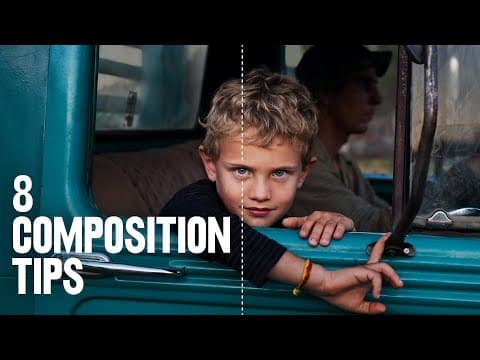 2
2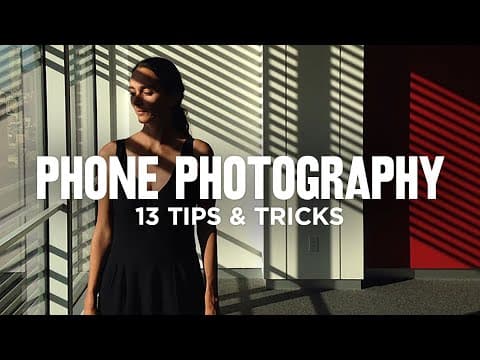 3
3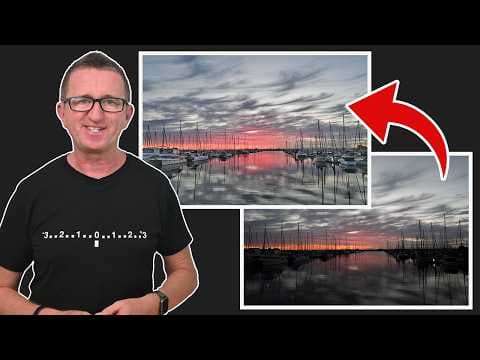 4
4